

Deciphering Game Code: Static vs. Dynamic Analysis Explained
Unlocking the secrets of a video game is like cracking open a treasure chest filled with adventure, excitement, and hidden surprises. But before we can dive into the depths of code for cheat development and unravel its mysteries, we need to understand the two main approaches: static analysis and dynamic analysis. These powerful techniques allow us to dissect games from different angles and gain valuable insight into their inner workings. So keep on reading as we explore game code deciphering. Let’s hop into it.
Laying the Groundwork: The Basics
 Before we dive into the intricacies of static and dynamic approaches, let’s start with the basics. Developers can gain comprehensive knowledge about their games’ inner workings and create more robust experiences for players by combining both of these approaches intelligently. Static analysis involves examining a game’s code without actually running it, allowing us to uncover potential vulnerabilities or bugs that might lurk within the game’s programming structure.
On the other hand, dynamic analysis takes a real-time approach. It involves observing how the game behaves while it is running. Think of it as playing detective, closely monitoring variables, interactions, and events as they unfold in order to gain valuable insights into how everything works together.
Static Analysis: Unraveling the Game Without Pressing Play
So what exactly does static analysis entail? Well, it involves analyzing the source code of a game and examining its different components such as variables, functions, and classes. By doing so, we can gain insights into how everything fits together and identify any potential issues or vulnerabilities. One of the major advantages of static analysis is that it enables us to catch bugs early on in the development process. By carefully scrutinizing the code before execution, we can pinpoint errors or inefficiencies that may otherwise go unnoticed during gameplay.
Moreover, static analysis also helps developers improve their overall coding practices by promoting good software engineering principles. It encourages clean and well-structured code that is easier to maintain and debug down the line. On the other hand though, some issues may only surface during runtime or under specific conditions which cannot be fully captured through static analysis alone. That’s where running a dynamic analysis is needed.
Dynamic Analysis: Observing the Game’s Inner Workings in Real-Time
 This method allows us to delve into the intricate details of how a game functions while it’s being played. Think of it as peering through a window into the inner workings of your favorite video game. Unlike static analysis, which takes a snapshot of the code before execution, dynamic analysis provides real-time insights. It allows researchers and developers to observe how different elements interact with each other while players are actively engaged in gameplay.
By closely observing and analyzing these interactions, researchers can gain valuable information about performance bottlenecks, memory usage patterns, and potential vulnerabilities within the game’s design. Furthermore, dynamic analysis also helps uncover issues related to resource management or unexpected behavior that may arise during gameplay. However, complex games with extensive gameplay mechanics …

Bowling 3D: Get in Touch With Reality
My Bowling 3D is a free app that lets you experience the thrill of bowling. You can download it on your phone or tablet and then play with friends in real-time, in any location! There are also plenty of challenges to keep things interesting. This game is perfect for anyone who wants to have fun while getting exercise. Download now and get in touch with reality!
Download the Bowling 3D App
 Once you have downloaded the bowling app, please open it and sign up for a free account using your email address or Facebook login. Once signed in to the game, use the joystick on the left side of the screen to navigate through menus and options until you find “Play Now.” Click this tab to start playing.
You can either play against computer-generated players or with other online users. You can also choose to practice your skills by bowling solo without the pressure of competing against others. The Bowling game app is an exciting way for you and your friends to enjoy a night out together, but if you want something more than just good times on the lanes, consider hosting a bowling tournament or a night of bowling for charity.
Create an Account
 After you download the app, you have to create your account. It’s pretty simple. Just enter your name and date of birth. Bowling for Android is very user-friendly. You can choose from different modes to play with friends or solo. There are many challenges that you have to complete to earn new pins!
Some of them include bowling a perfect game without splitting the pins, knocking down specific pins, and hitting the perfect spare. You don’t have to worry about in-app purchases or ads either! This game is entirely free with no hidden fees. The only thing that will cost you money will be if you decide to buy more bowling balls from your local pro shop, which isn’t a bad idea considering how excellent this app is!
Choose Your Character
 After creating an account, you can now choose your ball, shoes, and shirt color. You can even change your t-shirts slogan if you have one. But the most important thing is to select a character that represents how you perceive yourself or who would best describe your bowling style. You will find here all kinds of characters, from casual players to professional ones.
Bowling 3D is a fantastic new way to have fun with friends and family. It’s one of those games that can be enjoyed by all ages, which is why we recommend it as a great birthday party idea for your kids or grandkids. If you haven’t tried the game yet, head over to our website and see if there’s an open lane near you! We hope this blog post has given you some information about how bowling 3D works and where to find lanes near you. Now go out and enjoy yourself at your next social event, thanks to Bowling 3D!…

Why People Think Minecraft is More Than Just a Game
Minecraft is a game that every gamer should know. Markus Persson developed this sandbox game based on Infiniminer. You can let your imagination run wild in this game and create anything you want with building blocks. Using SegaNerds will allow you to download a similar game like Minecraft on your Windows, and you can have more experience enjoying the new game with this program.
You Can Create Unique Structure
 Minecraft is a 30 MB game that you can download in less than two minutes. It is portable and easy to use. The game is a 3D adventure game where you can act as a builder in a world. You can do whatever you want and build anything. Currently, the only updated version of Minecraft is the “infinite development” or “infidel” version, which is constantly updated. The alpha version has multiplayer and single-player modes and has more advanced mechanics than the classic version. You can build whatever you want, but monsters block your progress. You get materials from the materials you’ve already mined to create basic structures.
You can find items such as weapons, mining carts, and crates. There are also cubes and plants that you can use to make your garden. You can create unique structures or other creative works of art by creating an avatar. You can play this game with multiple players in many game modes. Minecraft allows users to download skins. The skin is what appears to other players. Before you can download these Minecraft skins, there are some requirements. It would be best if you had a computer to access the website. An internet connection is necessary to access the site. You must also be familiar with MS Paint and other editing tools to unleash your creativity.
You Can Create Your Character
 To get a good idea of the style you want, you must first create a mask. Your skin will be ready when you have chosen your colors. Your imagination and creativity are your best tools to make the most remarkable characters for your skin. You can always go back to the default option if you don’t like the style. If you don’t want to create an account, there is another option. Log into your account and search the site for a skin you like. You can then apply the coat to your character, and your skin will change instantly. You can also download a skin from other websites. Download the .png file of the skin you like and click on the “Settings” button.
You can edit the skin with an image editing program. Then save the skin only as a .png. When you keep the new skin, make sure the size of the original skin remains the same. When you’re happy with the changes you’ve made, upload your new image to the site. Once the skin has been uploaded, you can select it and replace it with the old one. You don’t need to go through the whole process. You can choose from several …

Various Video Game Development Tools
Video game design and development require excellent skill and knowledge of a programming language. If you are a video game developer, you might want to look up Useful Suggestions for Video Game Environment Designer Novices online. Amateur or professional video game developers need to understand ActionScript, JAVA, C++, or any other complex programming language to generate 2D games. Today many game creation tools do not require communication.
The current generation of sports developers provides a fine set of tools and allows players to decorate their games and launch them on iTunes, Google Play Store, and other software stores. Here some of the video game development tools that you can use:
Game Salad

GameSalad allows developers to produce games effortlessly, thanks to its drag-and-drop visual interface, a vast library of behaviors, a fully integrated physics engine, and other exciting features that make the sport more comfortable to play. The application’s behaviors library gives developers the freedom to create actions from a list of innovative and essential game behaviors. Once game development is complete, developers can test their game by working with the application’s incredible Previewer.
Stencyl
Stencyl is your mobile gaming studio, offering a fantastic set of tools and a complete systems service. It is one of the game developers that provides the best drag-and-drop interface without any programming effort. Transport is encouraged by the MIT Scratch project. Application developers have changed the role of MIT by adding new features. Program developers can also make scenes appear and build worlds with the program’s sophisticated Scene Designer. Using Stencyl Basic, they can probably create free Flash games and launch their games on your website.
GameMaker Studio
 GameMaker Studio is the best creator of games for beginners. With this program, users can import animations, fonts, and sprites of characters and create games effortlessly. With GameMaker Studio, programmers can create visually stunning and superior quality physics-based 2D matches using the software program’s shading results and the Box2D search engine’s support. GameMaker was one of the first games to bring software programs to the PC. It is prevalent among both amateur and expert developers and offers a wide range of tools.
FlowLab
Together with Flowlab, users can create their flash along with iOS games directly in their browser. This online game creation tool is aimed at developers with no previous programming experience. And because the toolkit is stored on the World Wide Web, it is much easier for developers to discuss their games. FlowLab’s unique flow-based programming allows users to view screen behavior to create sophisticated game logic. Besides, users can create characters, NPCs, and animations using integrated animation and drawing tools.…
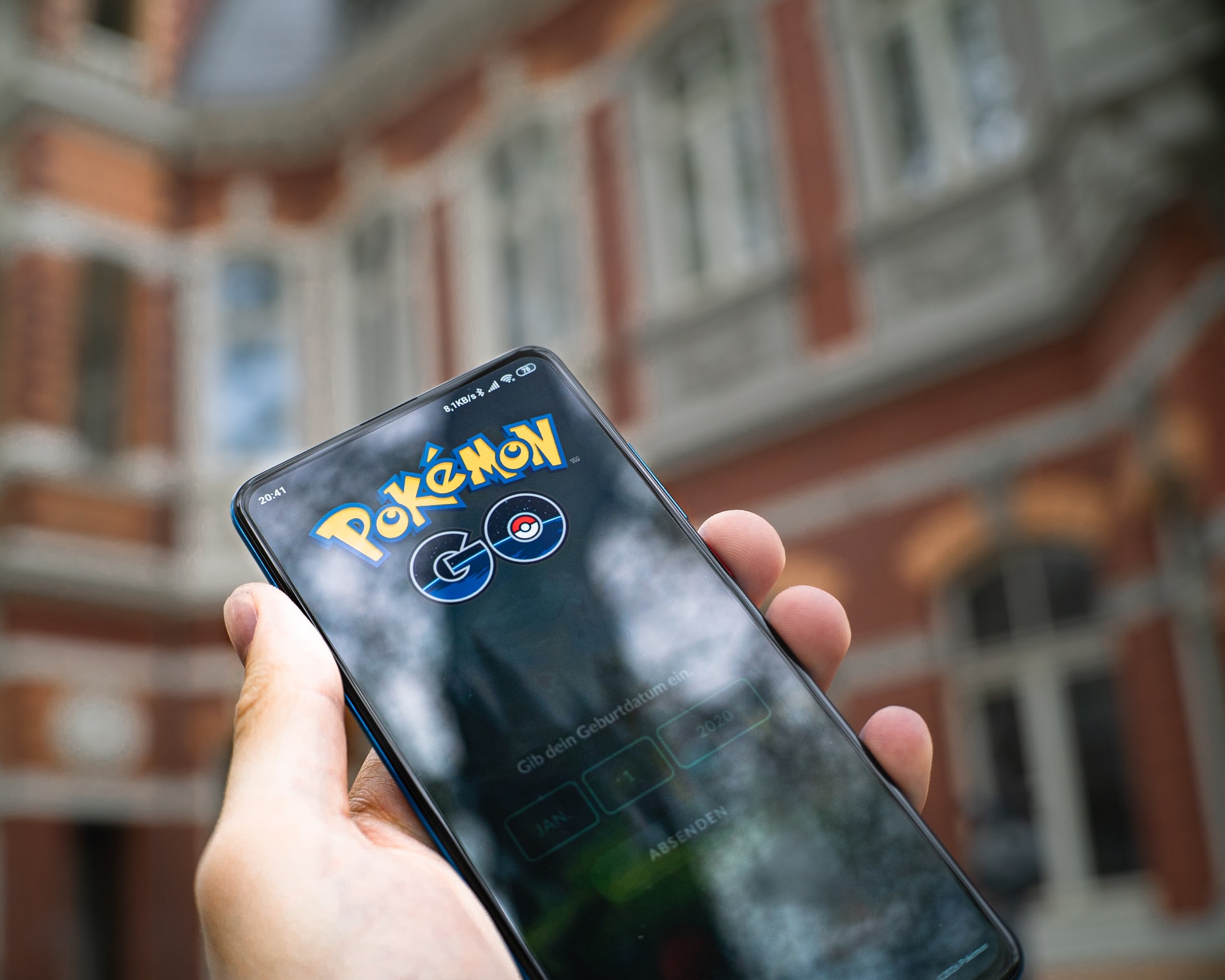
Everything You Need to Know About Pokemon Go Game
The Pokemon ROM Hacks were released mainly in the European countries, but they definitely mended some server issues intending to begin this match to roughly 200 nations.
How to Play the Pokemon Go Game?
 It empowers players to use actual locations and invites them to explore in the real world to monitor Pokemon (the virtual world is going to be the setting for this particular game ). As you research your topics, the game lets you capture more than a hundred kinds of Pokemon. Quite much like that of this video game series, they use real-world areas like New York, Paris, as well as the regions of Japan (Kanto and Hokkaido). It’s possible to catch and capture countless Pokemon by exploring inside your own cities, locals, and across the world.
Following your mobile smartphone, as you move around, that’s the sign you are close to a Pokemon. The minute you found a Pokemon, a target that Pokemon by intending on your smartphone’s touchscreen, once you aim at it, you might quickly catch it only by casting a Poké Ball. At the same time, you want to search for PokéStops situated in real places, like temples, public art installations, historical markers, and other businesses or areas with a similar character to accumulate other Poké Balls and distinct kinds of items.
Account and Customization of Your Pokemon Go Trainer
The simple map function is fact that it shows that the whole quantity of Pokémon gyms together with the entire count of PokéStops. Even though the players are traveling the real world, their customized avatar will also go across the map. The PokéStops provides things like Pokeballseggs, in addition to trinkets. It’s usually located in interactive places. Another noteworthy characteristic of this Pokemon Transfer game is its entertaining photographs. It is possible to capture images at any moment with the camera, especially as soon as you stumble upon a Pokemon in the wild. You can direct this Pokemon into the live scene according to your camera’s location and have a snapshot of it at any given moment. You can then save the image and discuss it if you would like.
…


